
Passkeys Beat Passwords
How passkeys simplify sign-in and reduce phishing risk.
Most internet security advice is annoying. It usually means one of two things, either you now have to remember a more ridiculous password, or you have to type in a six-digit code while pretending this is all normal. So when people hear about passkeys, the natural reaction is, “Oh good, another thing.” Fair. But passkeys are actually one of the rare tech upgrades that are both easier and safer.
Original image source (review before reuse)
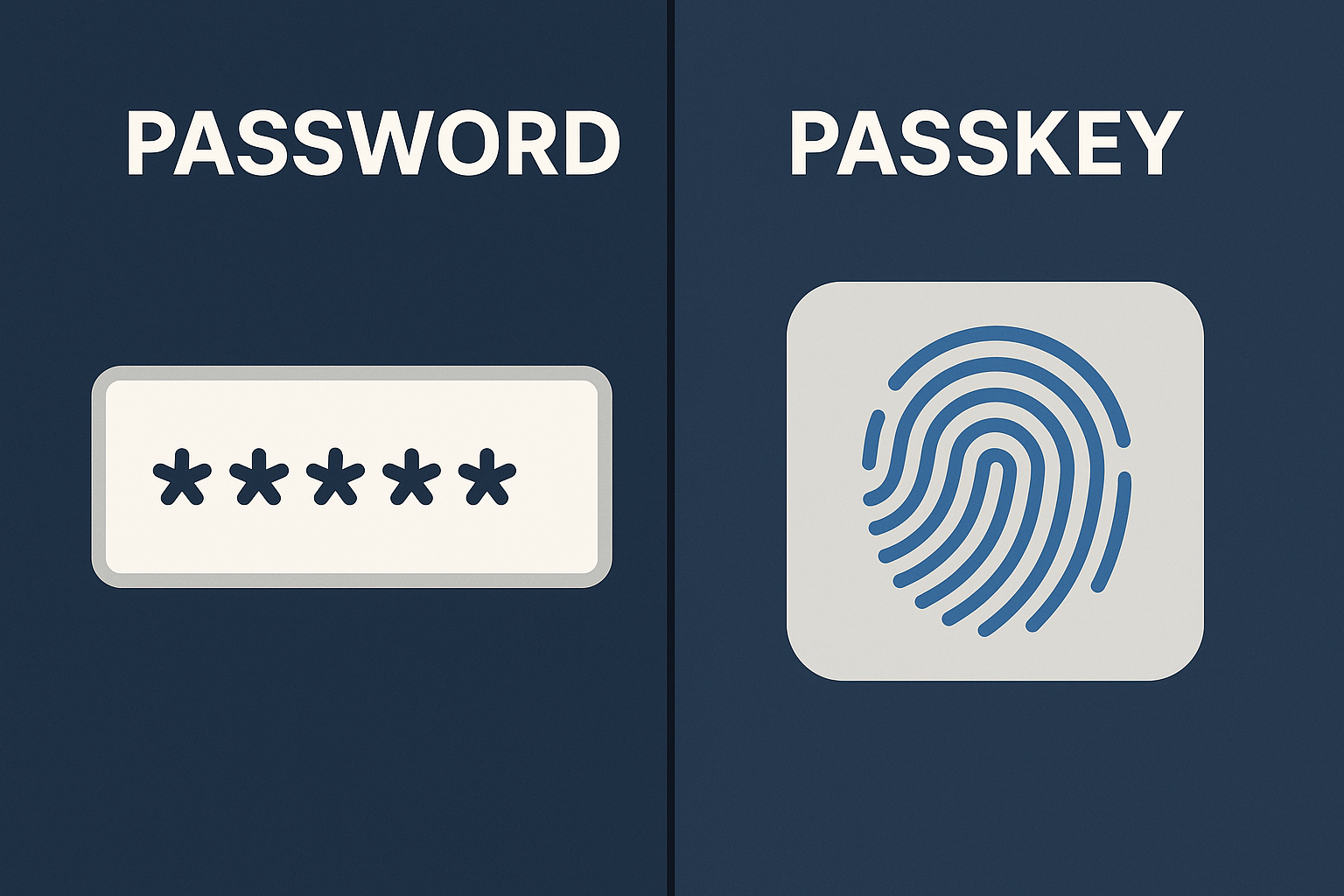
Here’s the plain-English version. A password is a secret you type into a website. A passkey is your phone or laptop basically saying, “I know this person. I checked.” Instead of you typing a password, your device asks you to unlock it with your face, fingerprint, or PIN. Then it signs you in. Apple says passkeys are designed to replace passwords, are easier to use, and are much more secure. Google says passkeys let people sign in with the same method they already use to unlock their device.
That is why passkeys are such a big deal. There is no password to remember, no password to steal, and no code for a scammer to trick you into typing into a fake site. Google says passkeys work only on the real website or app they were created for, which makes them much more resistant to phishing. Apple says websites store only a public key, not your actual secret, so there is less useful stuff sitting on a server waiting to be stolen in a breach.
In normal-person terms, passkeys are good because they remove a lot of the dumbest ways people get hacked. You cannot reuse them across a bunch of accounts like people do with passwords. You cannot forget them in the usual way. And you are much less likely to get fooled by a fake login page because the passkey is tied to the real site. This is why the FIDO Alliance, the main group behind the standard, pushes passkeys as a passwordless sign-in method that is both easier and more secure.
Should you use them? Yes, generally, yes. If your bank, email, brokerage, or other important account offers passkeys, that is usually a good upgrade. They are not perfect yet, because a lot of websites still allow the old password route too, which means the weak old door is sometimes still there. But the passkey itself is a better way to log in.
The only annoying part right now is that the whole thing can feel a little messy across Apple, Google, Windows, and different browsers. Sometimes the setup is smoother than other times. But that is a temporary inconvenience, not a reason to ignore them.
So here is the simple takeaway. If a site offers passkeys, especially for important accounts, use them. This is one of the few times the tech world made something more secure and less annoying at the same time. That deserves respect!